LIVE
One phone on an overhead rig, one take per product, room sound only.
Paste a link and get a production report: what every shot is, whether it was filmed, generated or built in code — plus a shot list, a material list and the steps to remake it.
Comparison footage from the open-source rea-video project (Apache-2.0). Shown for comparison only.
Real videos, already taken apart. Each one is a different answer to the same question: what do I actually need in order to make this?
One phone on an overhead rig, one take per product, room sound only.
Digital-human lip sync, generated period scenes, still-image pushes.
Two AI characters, five code-built UI segments, one real screen recording.
Plush characters and cutaway animation, rendered rather than filmed.
75% live action, 25% AI clip generated from the creator's own footage.
Preview clips and case data come from the upstream rea-video project; rights stay with the original creators.
Open a full breakdown →Every claim comes with the signal that produced it, so you can trust it or override it.
Per shot: filmed, AI-generated, 3D, code-rendered, screen recording, digital human, or a mix — with evidence and a confidence flag.
Framing, camera move, lens feel, 12 lighting setups with gear lists, colour grade, cut rhythm and beat alignment.
Caption-by-caption timeline with colour, stroke and entrance animation, plus titles, stickers and picture-in-picture positions.
Human vs synthetic voice, BPM and key, library vs generated music, and which sound effect lands on which visual event.
Frame rate, sensor noise, metadata AIGC flags and OCR. Conflicts are marked for a human look instead of being guessed away.
Reverse-engineered prompts, a Remotion route for code shots, a shoot list for live action, and an assembly plan on the original timeline.
What to film, how to frame it, how long each shot holds.
Footage, captions, sound, props and reference images, per shot.
Assets, prompts and the build order for each route.
Paste a link or drop a file. Once the engine opens it will take a local reference and keep the evidence — not just a description of what is on screen.
Go shot by shot: framing, camera move, captions, sound cues, source verdict. Uncertainty stays visible instead of being smoothed over.
A shot list, a material list and a route for every shot: film it, generate it, or build it in code — laid out on the original timeline.
This is a static sample. Real analysis is not enabled yet.
42 seconds, 18 shots, 9:16 vertical. Mostly code-rendered UI animation with two AI-generated inserts and one filmed close-up. Grade: high-contrast cool teal, acid accent. Sound: 124 BPM synthetic bed with three impact effects.
Open full sample report →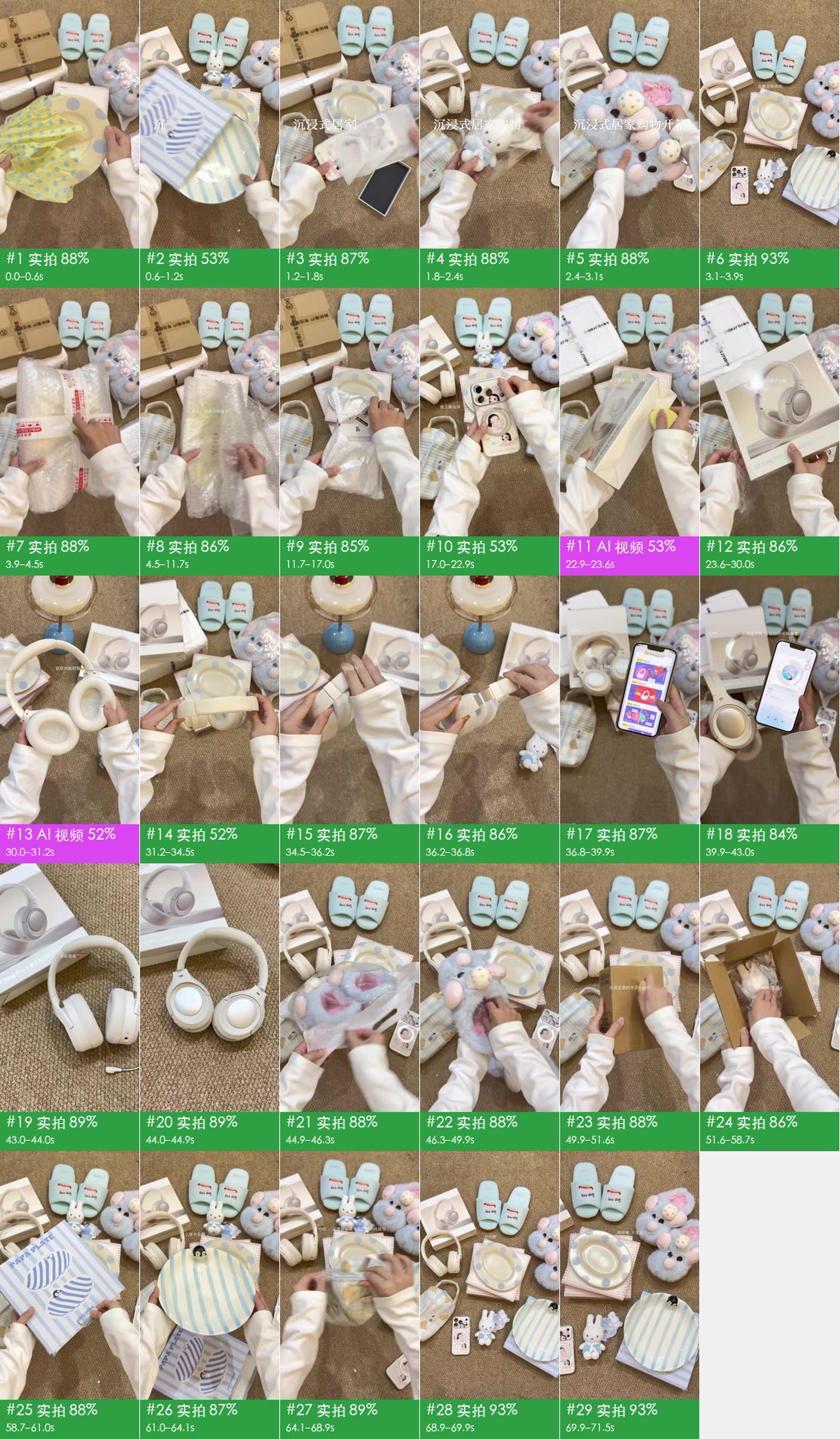
Study a video you admire and turn it into a repeatable shooting and editing checklist.
Reverse brief a competitor spot: captions, pacing, sound cues and transitions in one document.
Recover prompts, model choices and first/last frames from generated shots.
Teach film grammar with a shot-by-shot, evidence-backed breakdown of real work.
Create a free account to register your interest. We will email the small group of early users when analysis opens.
The analysis engine is not connected yet. This preview exists to show the product and gauge interest — create a free account and we will let you know when it opens.